Using the Freeze Wash function on your Samsung Air Conditioner

Your Samsung WindFree™ Air Conditioner can remove up to 95% of bacteria hassle free from your remote or smartphone. The Freeze wash function removes dust and airborne contaminants from the inside of your air conditioner by following a freeze, defrost, then dry cycle, without any need for disassembly.
How to Operate Freeze Wash via Remote
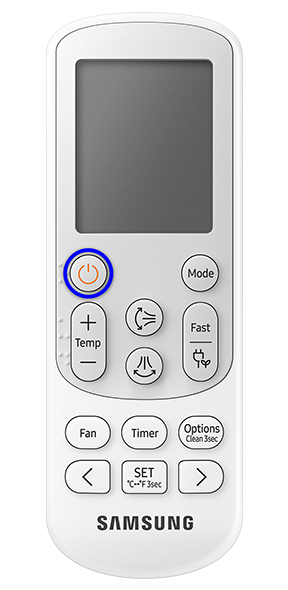
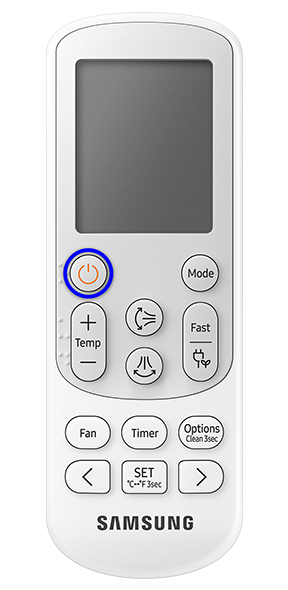
1. Turn off your air conditioner.
Note: To stop/turn off the Freeze Wash operation, press the power button on your remote.
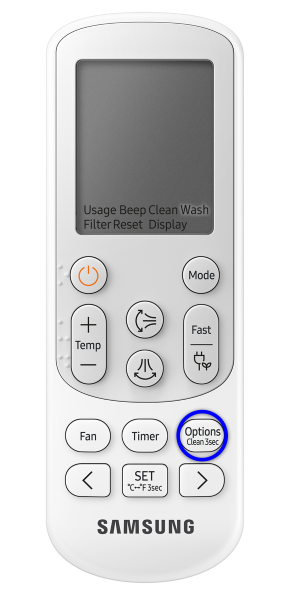
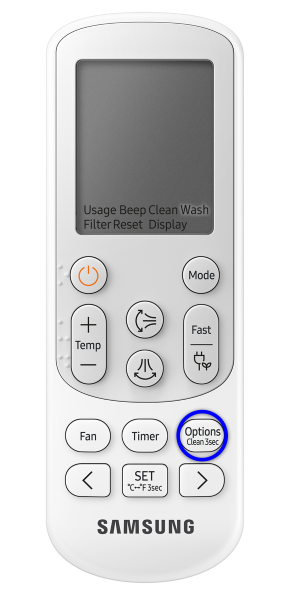
2. Press the options button and select Wash.
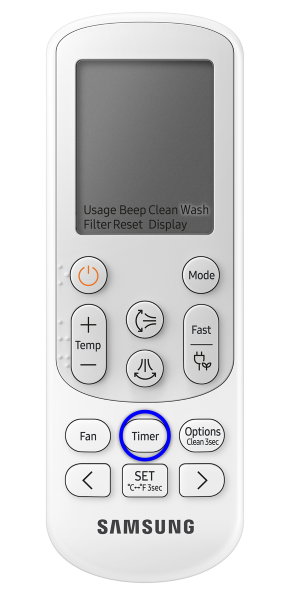
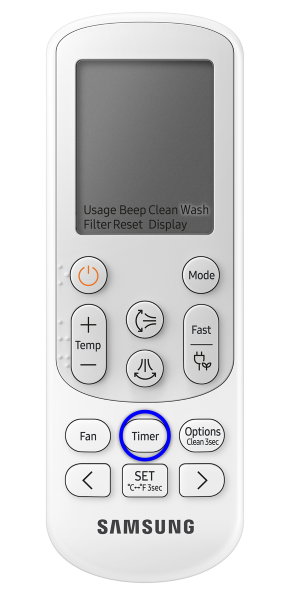
3. Press the Set button to begin function.
Note: You may hear a cracking sound (due to shrinking & expansion) that will end after the process is complete.
The Freeze wash function will then operate and take anywhere from 30 to 80 minutes. During operation the indoor unit display will show the progress of the cleaning [1% -99%].
For further assistance, please contact our Chat Support team. To find your Samsung product's User Manual, head to Manuals & Downloads.

Thank you for your feedback!
Please answer all questions.
Contact Info
Contact us
WhatsApp
![]()
![]()

